Jozette writes about making Zoho work smarter for businesses—think CRM tips, project fixes, and clever ways to simplify your systems. She’s here to cut the tech-speak and give you clear, practical advice your team will actually use, and enjoy reading.
Zoho Workerly helps staffing agencies manage temps and clients, schedule shifts, track availability, collect e-timesheets, and generate invoices. Learn three key features that reduce double-booking and billing chaos.
Learn how to set up Zoho Calendar appointment booking, create scheduling links, configure availability, add buffers, and let clients book meetings automatically.
Zoho Contacts helps you organize and sync contacts across devices, segment them into groups, and manage a shared team contact book. Reduce duplicates, improve visibility, and stop relying on one person’s phone.
Learn how to set up Zoho Expense to capture vendor receipts, track business expenses, and sync everything automatically to Zoho Books. A practical guide for small business owners and their teams.
Zoho Tables combines spreadsheet simplicity with database structure. Use multiple views, relational links between tables, and no-code automation to track work without spreadsheet chaos.
Zoho One 25 introduces Spaces, focused work zones that group apps by context. Learn the three space types, how switching works, and how admins can add apps or create custom spaces to reduce navigation friction.
Zoho CRM Canvas now lets you display fields from lookup modules directly inside Canvas detail and list view pages. Give reps context like account size, industry, and revenue without opening extra tabs.
Zoho Office Integrator embeds Zoho Writer, Sheet, Show, and PDF editing into your web app. Add real-time co-editing and save changes back to your storage using save_url webhooks.
Learn how to connect your bank and credit card accounts to Zoho Books, automate your transaction feeds, and reconcile your books in minutes each week. Step-by-step guide for small business owners.
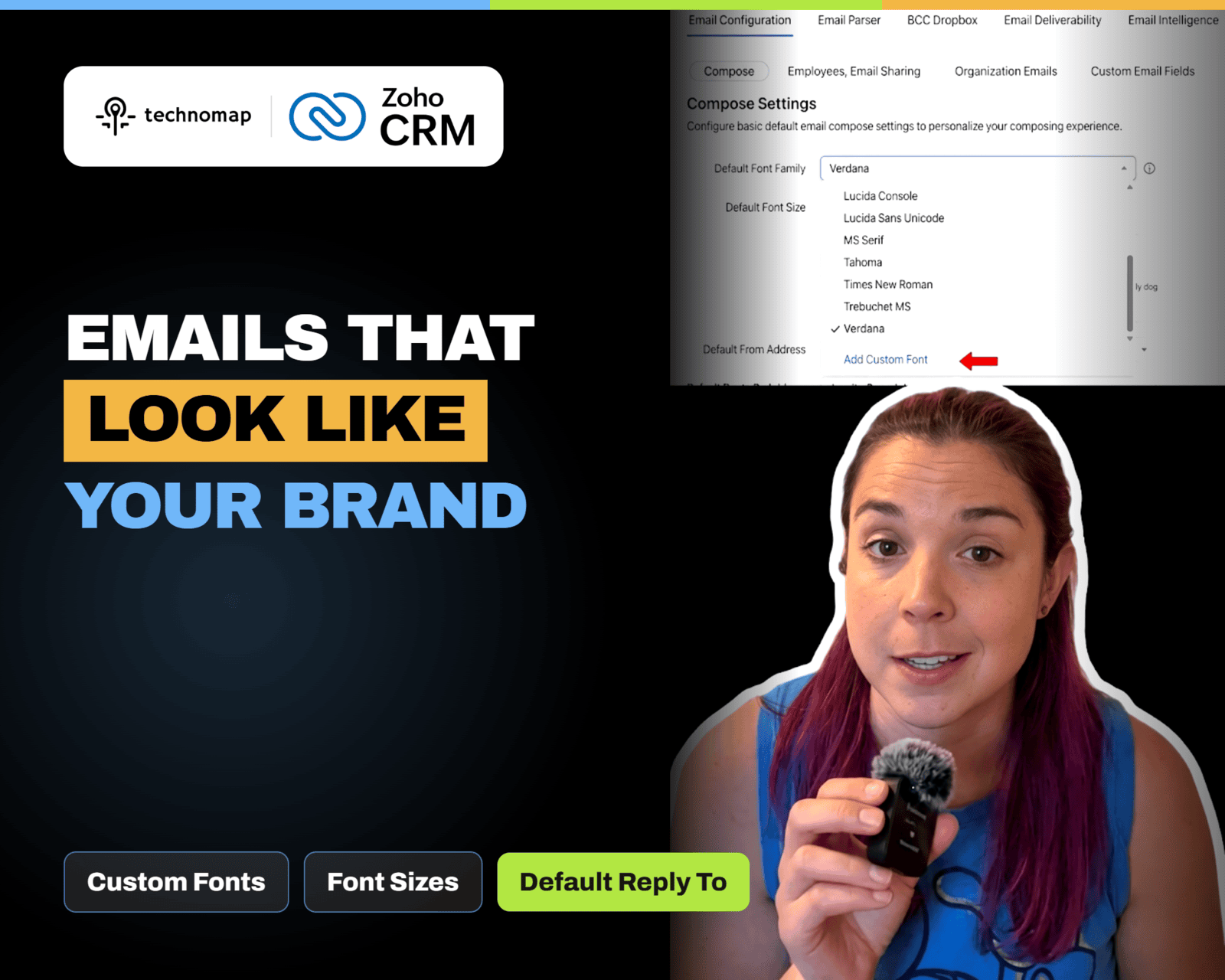
Zoho CRM updated email composer settings with custom font types, custom font sizes, and a default Reply To option. Learn why it matters, key limits, and how to use it to keep replies in the right inbox.