Zoho One vs. Odoo compared: pricing, apps, customization, implementation, and which businesses each platform fits best, from a Zoho partner who tells you when Zoho isn't the answer.
How Zoho One pricing works: All-Employee vs. Flexible User licensing, Essentials vs. Standard, monthly vs. annual billing, and how to estimate your real cost.
Switching to Zoho One isn't just a technical project — here's the honest account of what actually went wrong when we migrated our own business, why team adoption was harder than the setup, and what we learned that now shapes every client implementation we do.
A small business was paying $400 a month across seven disconnected tools — plus hundreds more in manual admin time. Here's exactly what they were using, what Zoho replaced it with, and how the numbers worked out.
Not every Zoho app belongs in your initial setup. Here are three genuinely powerful Zoho tools that a Zoho implementation partner recommends skipping until you're ready — and exactly what ready looks like for each one.
Wondering if Zoho One makes financial sense for a two-person business? Here's an honest cost comparison, a real look at the time savings math, and a straight answer on whether the investment is worth it at this stage.
Zoho One has over 45 apps — but as a small business you probably only need five of them to start. Here's an honest take from a Zoho implementation partner on which apps actually matter and which ones can wait.
Zoho One 25 introduces Spaces, focused work zones that group apps by context. Learn the three space types, how switching works, and how admins can add apps or create custom spaces to reduce navigation friction.
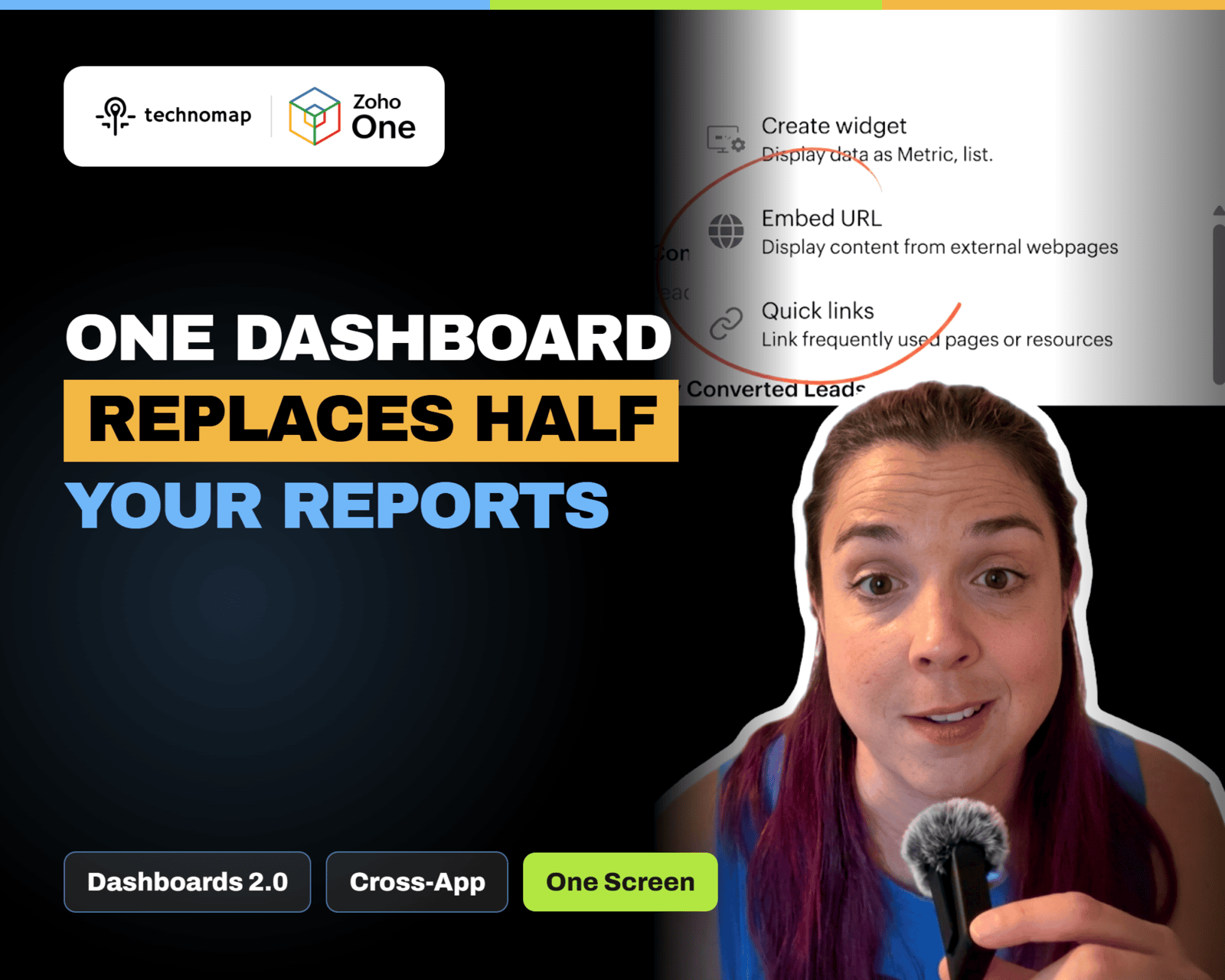
Zoho One 25 Dashboards 2.0 adds a flexible home base with personalized widgets across apps. Build multiple dashboards for daily execution, leadership KPIs, and marketing, and avoid split customization between Unified UI and Spaces UI.
Zoho One 25 QuickNav adds a universal search bar to jump to apps, modules, and supported actions from anywhere. Use Z + Space or the lightning icon to reduce tab switching and move faster.