Skip to main content
TechnoMap
Home
Zoho Guides
Industries
Solar
Construction
Professional Services
Healthcare
Accounting & Finance
Manufacturing
Agriculture
Home Services
Creative & Events
Food & Beverage
Staffing Agencies
Services
Zoho CRM
Zoho One
Zoho CRM Plus
Zoho FSM
Zoho Desk
Zoho Creator
Zoho Books
Zoho Backstage
Zoho Checkout
Zoho AI
More
Pricing
About Us
Newsletter
Contact Us
Blog tagged as Zoho One & Bundles
When Zoho Is Overkill, and When It's the Right Move
By
Jozette Spandel
Not every business needs Zoho. An honest look from a Zoho partner at when Zoho is overkill, when it is the right move, and what to use instead.
09.27.26 06:59 PM
Read more
How Zoho One Replaced a $400/Month Disconnected Tool Stack
By
Jozette Spandel
How a small business replaced seven disconnected tools costing $400 a month with Zoho One, and what changed in cost, admin time, and visibility.
09.27.26 02:07 PM
Read more
3 Zoho Apps to Skip When You're Just Starting Out
By
Jozette Spandel
Not every Zoho app belongs in your first setup. Three powerful Zoho tools a new business can skip for now, and when it makes sense to add them.
09.21.26 09:03 PM
Read more
Is Zoho One Worth It for a 2-Person Business?
By
Jozette Spandel
Does Zoho One make financial sense for a two-person business? An honest cost comparison against separate tools, with the math laid out.
09.21.26 01:00 AM
Read more
Zoho Free vs Paid Plans: Which Should You Start With?
By
Jozette Spandel
Start with Zoho's free plans or go straight to paid? An honest breakdown of free plan limits, what paid plans add, and when it is time to upgrade.
09.17.26 08:01 AM
Read more
Which Zoho One Apps Do Small Businesses Actually Need?
By
Jozette Spandel
Zoho One has over 45 apps, but most small businesses only need a handful to start. An honest list of which apps to set up first and which can wait.
09.16.26 06:18 AM
Read more
Zoho Implementation ROI: How Fast Does It Pay Off?
By
Jozette Spandel
Is a Zoho implementation worth the investment? Where the ROI comes from, which costs to count, and how to estimate when it pays for itself.
09.16.26 01:06 AM
Read more
Zoho One 25 Spaces: Personal, Org, and Functional
By
Jozette Spandel
Zoho One 25 introduces Spaces, focused work zones that group apps by context. The three space types, how they differ, and how to set them up.
07.29.26 03:19 AM
Read more
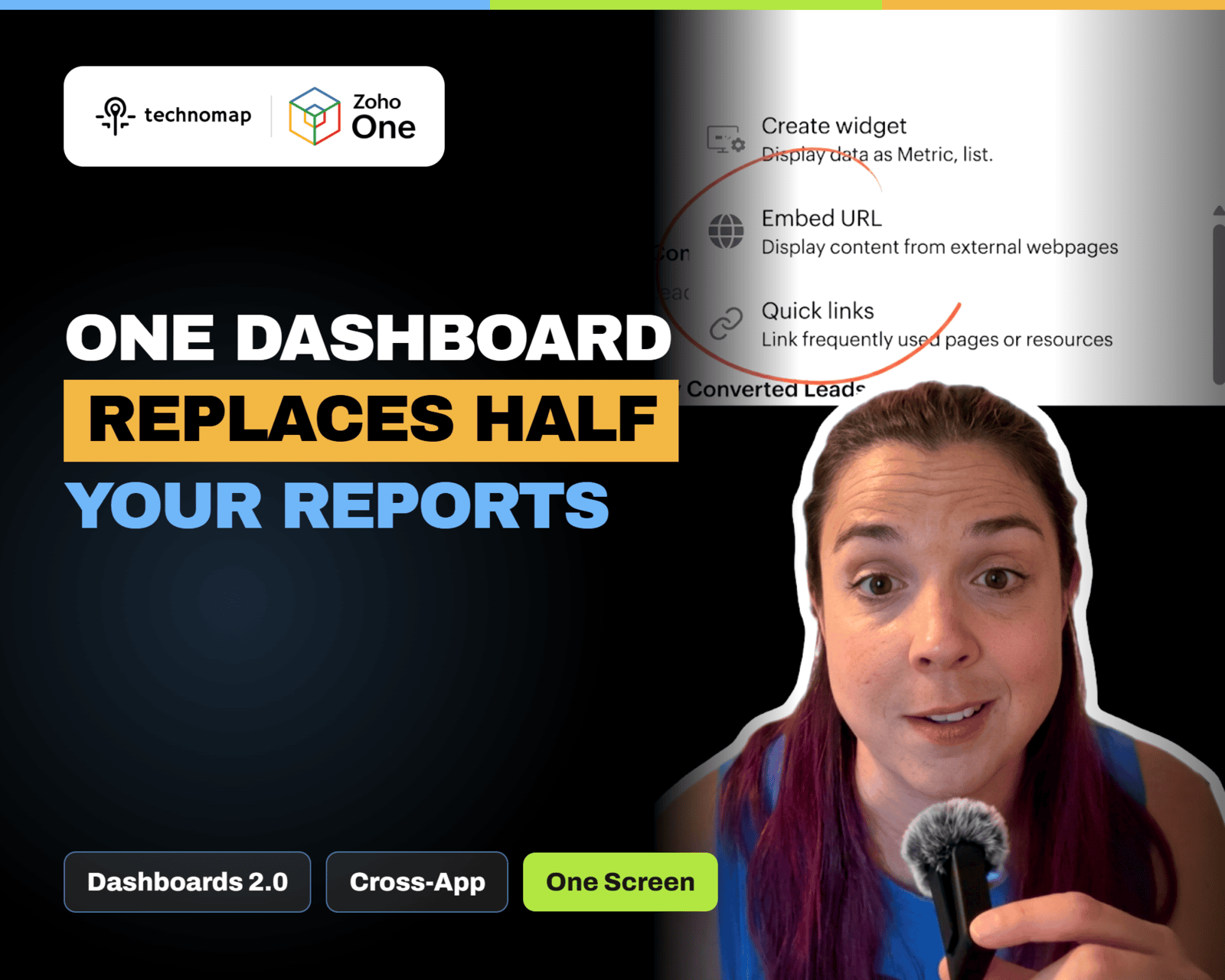
Zoho One 25 Dashboards 2.0: Personalized Widgets
By
Jozette Spandel
Zoho One 25 Dashboards 2.0 gives you a home base with personalized widgets across Zoho apps. How to build multiple dashboards and what to include.
07.26.26 09:45 PM
Read more
Zoho One 25 QuickNav Guide: Z + Space Navigation
By
Jozette Spandel
Zoho One 25 QuickNav adds a universal search bar, opened with Z + Space, to jump to apps, modules, and quick actions from anywhere. How to use it.
07.16.26 07:12 AM
Read more
Previous
Next
Categories
Business Strategy
(11)
Implementation & Support
(41)
Choosing Zoho
(174)
How-To Guides
(133)
AI & Automation
(98)
Industry Solutions
(27)
Tags
Zoho CRM
Other Platforms
Marketing & Lead Capture
Email & Collaboration
Projects
Zoho One & Bundles
HR
Security & IT
Customer Service
Documents & E-Signature
Finance & Inventory
Low-Code & Analytics
Bigin
Field Service
Zoho MCP