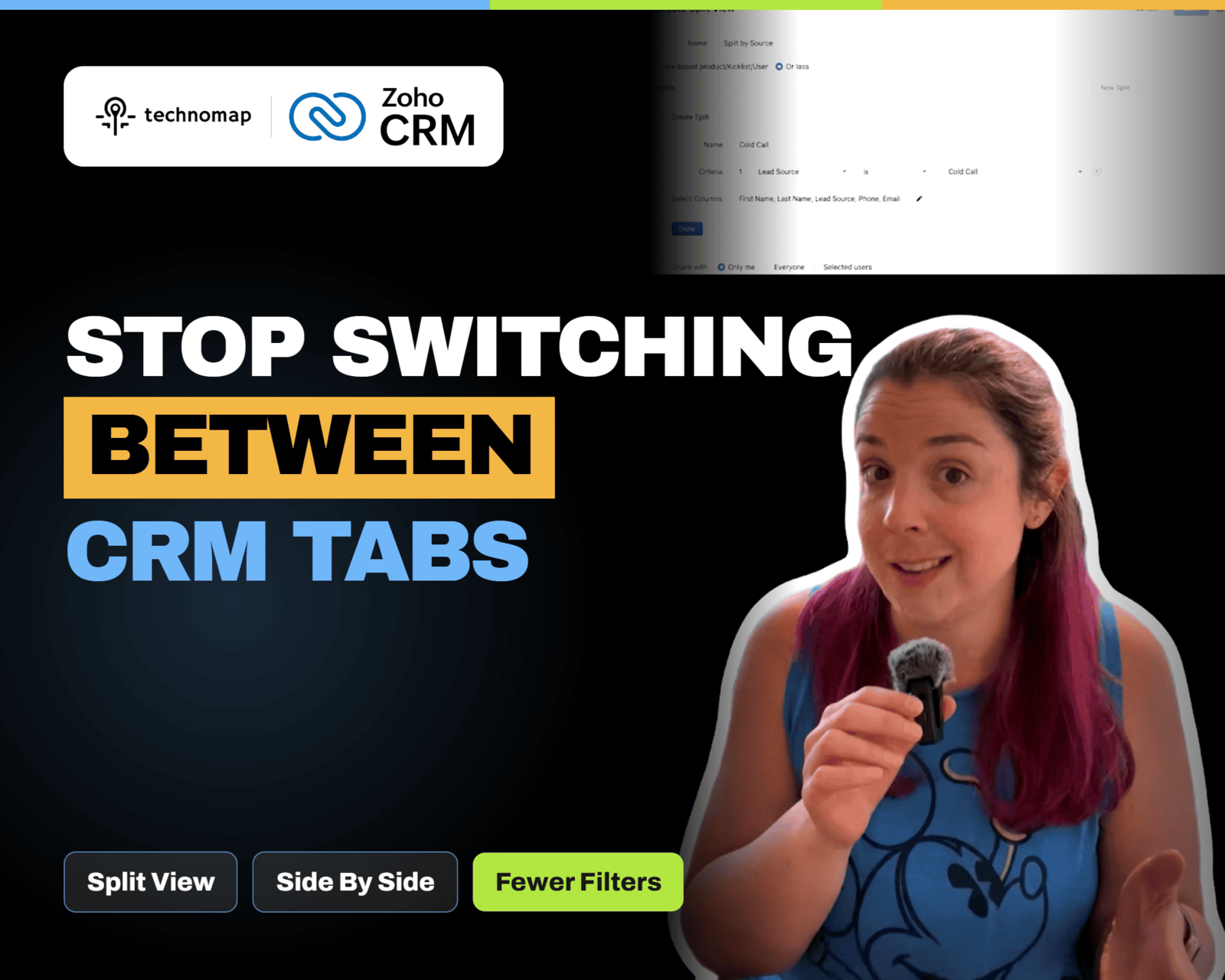
Zoho CRM NextGen Split View breaks one module list into multiple side-by-side tables by picklist, user, or criteria. Learn how to set it up, when to use it, and key limits.
Zoho DAP adds contextual, in-app guidance to your business apps with walkthroughs, interactive videos, and a help hub. Train users while they work so processes are followed consistently.
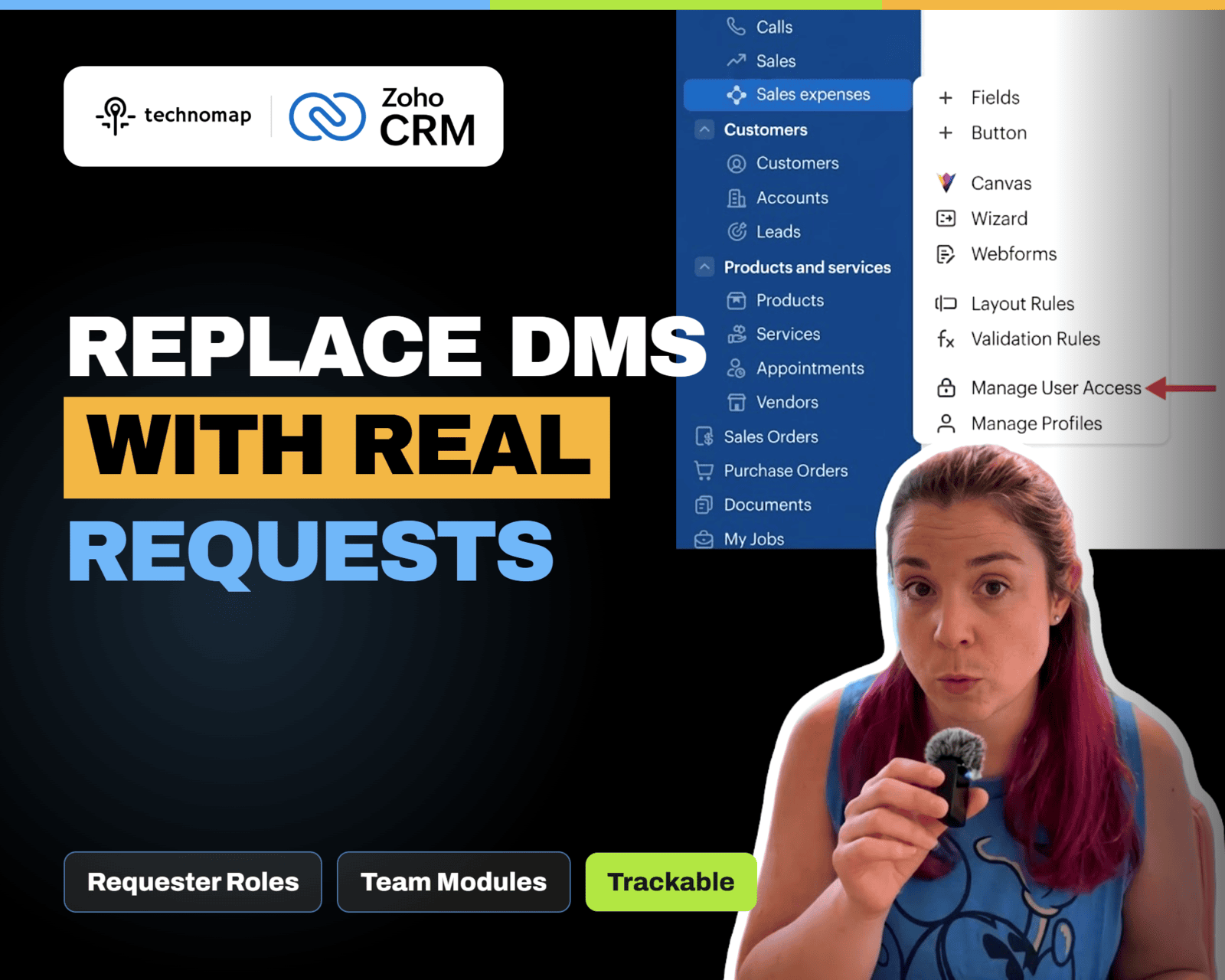
Zoho CRM NextGen Requester Roles let users submit and track requests to Team Modules without full access. Learn how to add requesters, use the Requests tab, and raise requests from related lists.
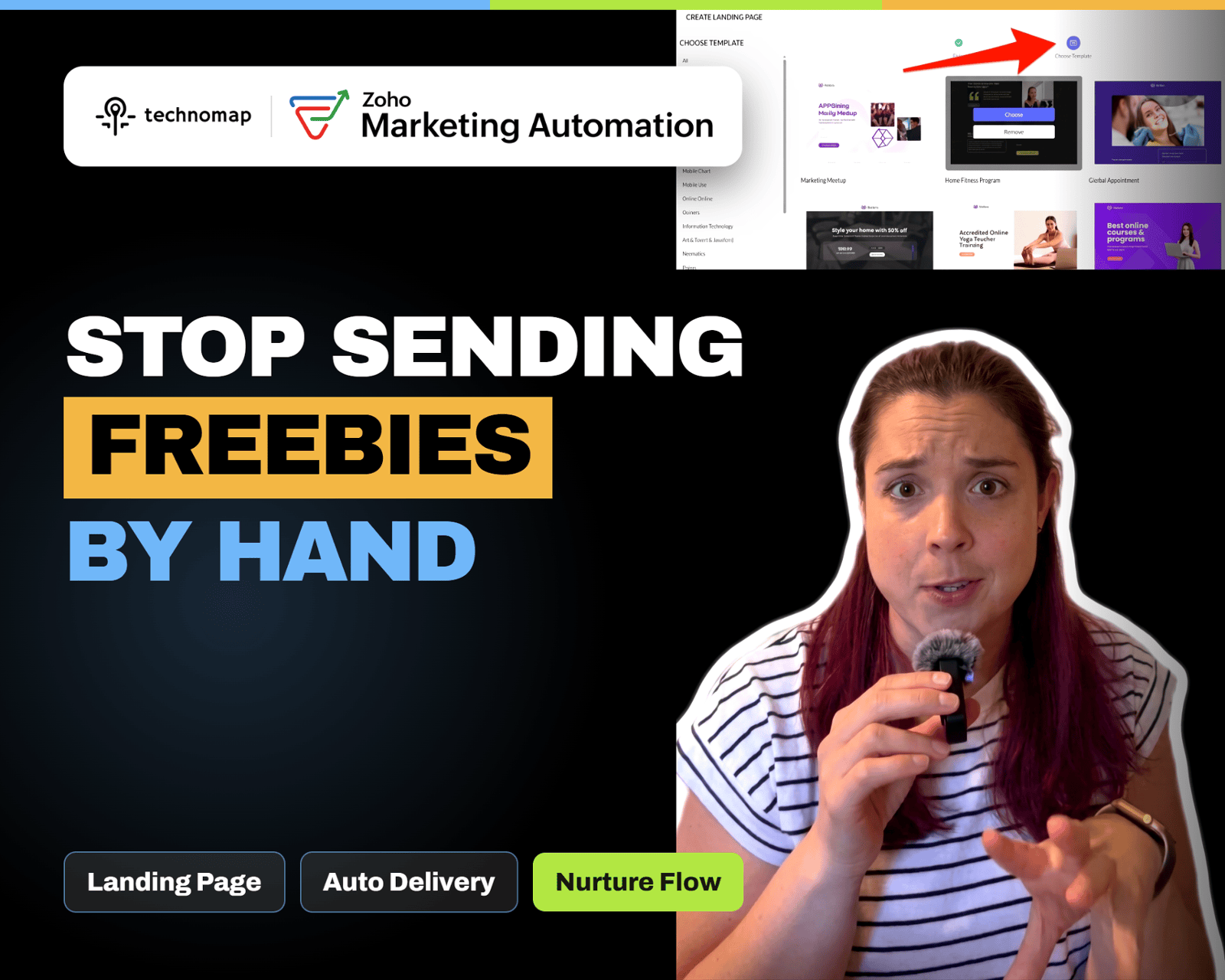
Stop manually sending lead magnets. Create a simple landing page in Zoho Marketing Automation with a signup form that adds contacts to a list, triggers nurture, and delivers the download automatically.
Zoho eProtect adds cloud email security and archiving in front of Microsoft 365 or Google Workspace. Block phishing and spoofing, manage quarantine, and retain emails with eDiscovery and retention policies.
Zoho One 25 QuickNav adds a universal search bar to jump to apps, modules, and supported actions from anywhere. Use Z + Space or the lightning icon to reduce tab switching and move faster.
Zoho Payments helps small businesses collect online payments with shareable payment links, multiple payment methods, and clear payment status tracking. Learn three features that speed up receivables and simplify reconciliation.
Zoho Survey’s Validation and Display Logic tabs help you prevent bad inputs and hide irrelevant questions. Learn how to use validation rules, answer display logic, and AND/OR conditions to capture cleaner data.
Zoho Start helps new business owners organize key info, store important documents, and track startup tasks and reminders. Learn three features that reduce chaos and keep your business compliant from day one.
Stop guessing where leads come from. Build a Zoho CRM Lead Source report that groups by Lead Source, filters by date, and shows lead volume plus basic conversion or quality.