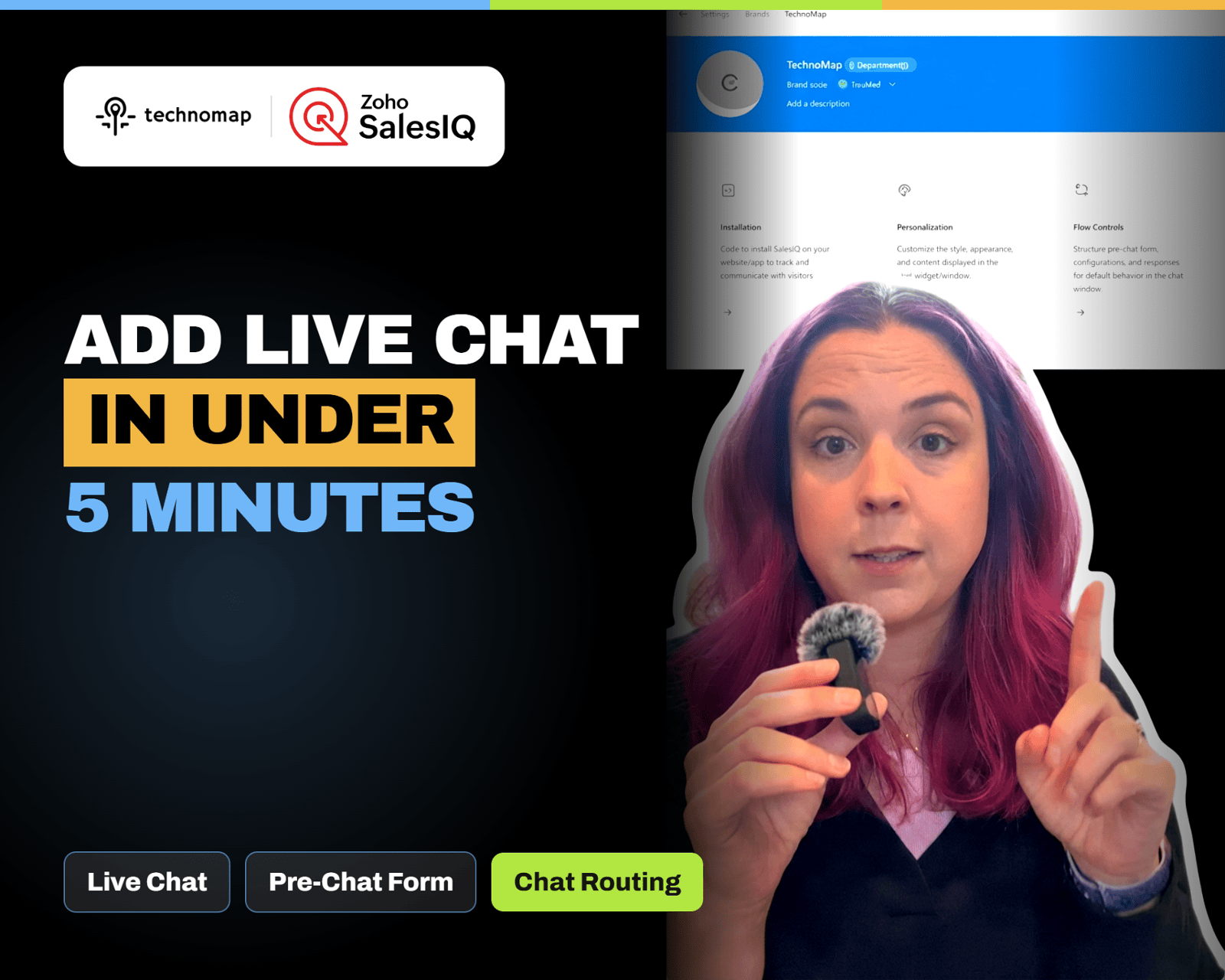
Add live chat to your website in minutes with Zoho SalesIQ. Install the widget, brand it, set a welcome message and pre-chat form, configure business hours, and route chats to the right person.
Zoho CRM Notes now support rich text formatting like bullets, links, and indentation. Zoho also added rich text options for multi line fields, making handoffs clearer and documentation easier to scan.
Zoho Survey’s Validation and Display Logic tabs help you prevent bad inputs and hide irrelevant questions. Learn how to use validation rules, answer display logic, and AND/OR conditions to capture cleaner data.
Zoho POS helps retailers ring up sales fast, track inventory in real time, and understand what is selling with clear reports. Learn three features that reduce end-of-day chaos and improve decisions.
Zoho Domain helps you manage domains and DNS records in one place, making it easier to keep your website, email, and Zoho apps connected. Learn three features that reduce DNS headaches and prevent login chaos.
Zoho CRM now shows a Notes badge in module list views. Click it to open a notes panel to view, add, edit, delete, and sort notes without opening the record. Hover shows recent notes and admins can hide the column.
Stop guessing where visitors click. Install the Zoho PageSense snippet, create a heatmap for any URL, and use click, scroll, and attention maps to optimize your pages.
Zoho MCP is a process control center that standardizes workflows with templates, stage-based execution, and clear ownership. Learn three key features that reduce handoff issues and prevent dropped steps.
Zoho Projects now supports Custom Modules so you can track approvals, change orders, assets, and deliverables with their own fields and records. Learn how to create Project vs Organization modules and who can access them.
Zoho Spend helps small businesses control spending with corporate cards, receipt capture, approvals, and reporting. Learn three features that stop budget surprises and clean up expense tracking.