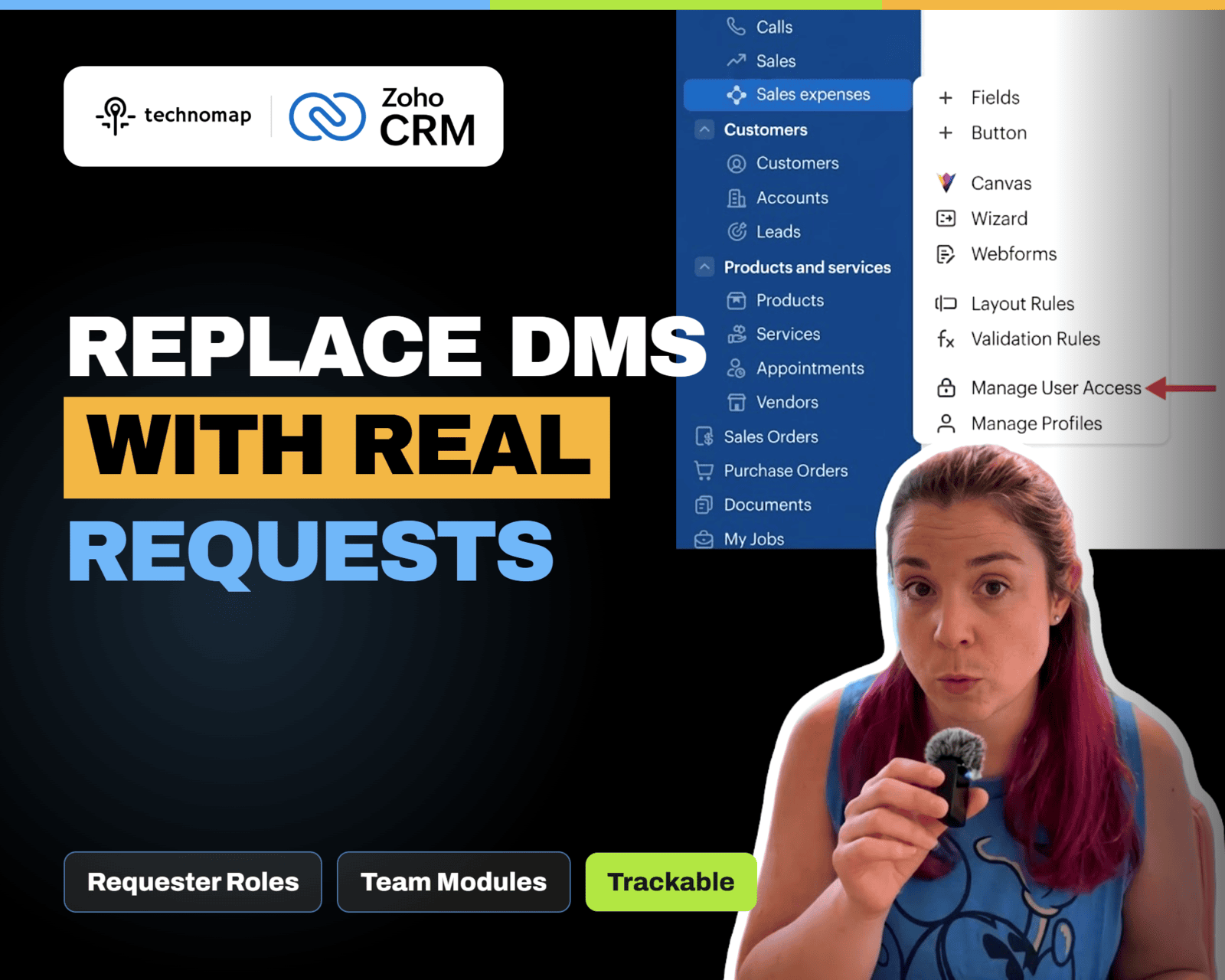
Zoho CRM NextGen Requester Roles let users submit and track requests to Team Modules without full access. Learn how to add requesters, use the Requests tab, and raise requests from related lists.
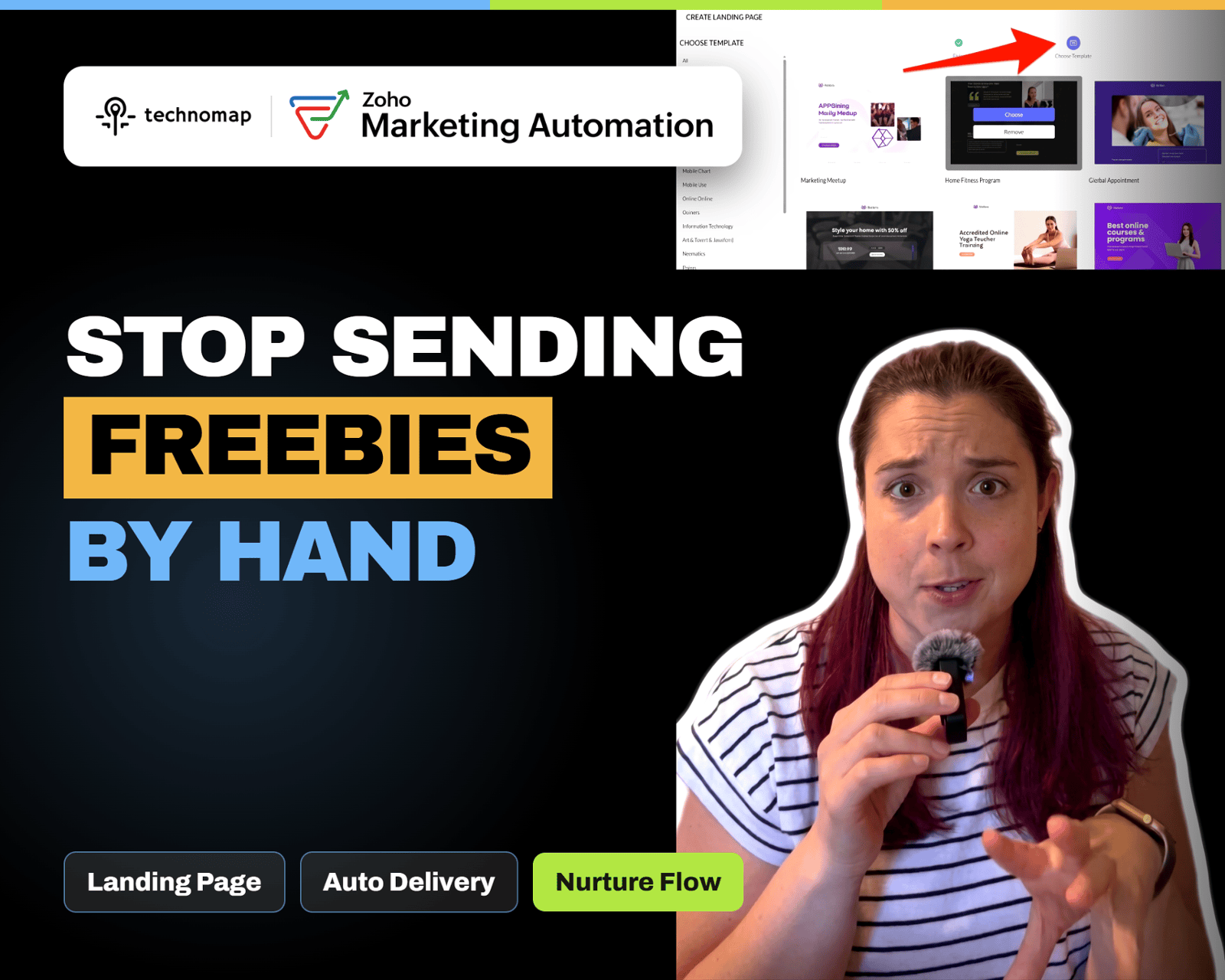
Stop manually sending lead magnets. Create a simple landing page in Zoho Marketing Automation with a signup form that adds contacts to a list, triggers nurture, and delivers the download automatically.
Zoho One 25 QuickNav adds a universal search bar to jump to apps, modules, and supported actions from anywhere. Use Z + Space or the lightning icon to reduce tab switching and move faster.
Zoho Survey’s Validation and Display Logic tabs help you prevent bad inputs and hide irrelevant questions. Learn how to use validation rules, answer display logic, and AND/OR conditions to capture cleaner data.
Stop guessing where leads come from. Build a Zoho CRM Lead Source report that groups by Lead Source, filters by date, and shows lead volume plus basic conversion or quality.
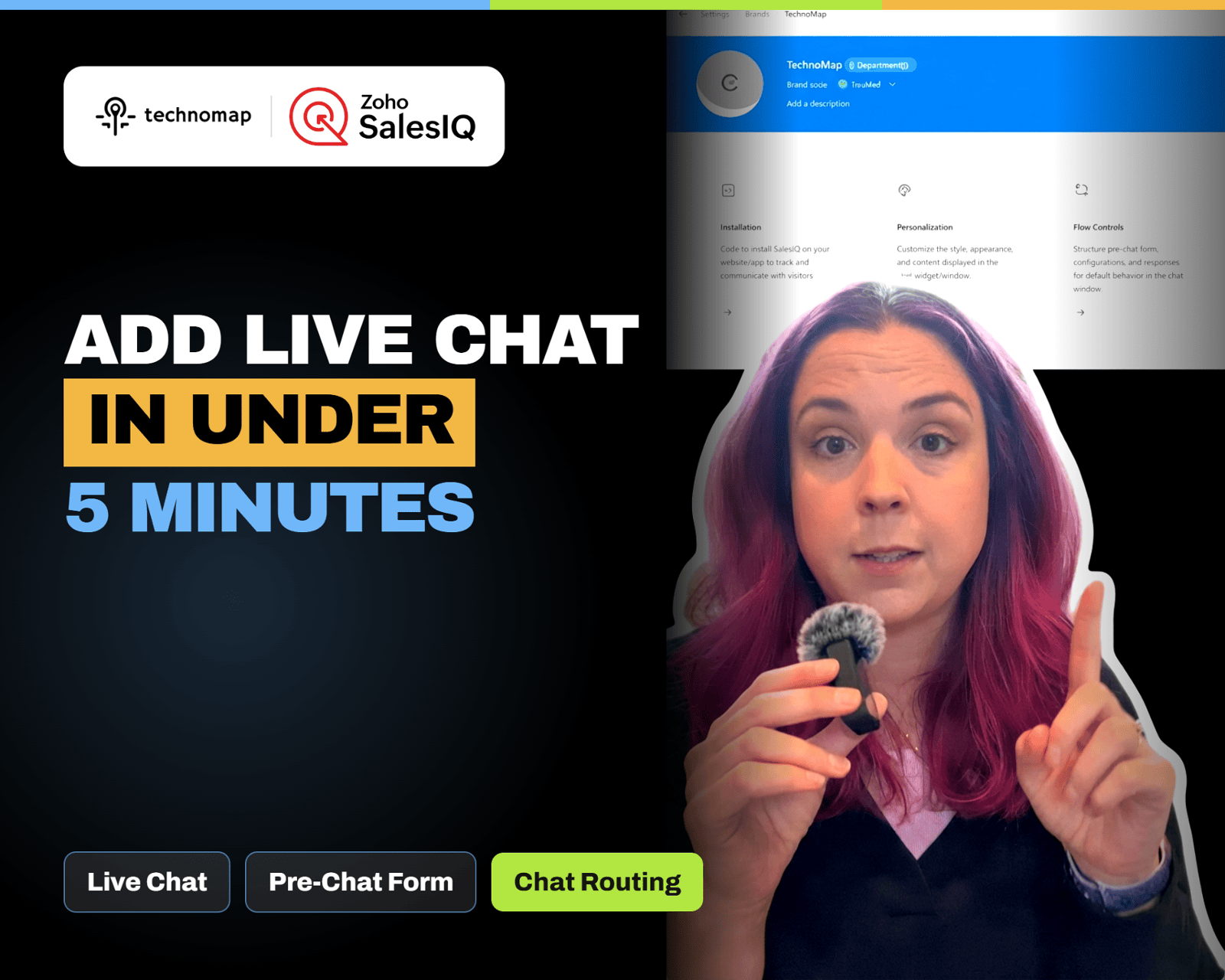
Add live chat to your website in minutes with Zoho SalesIQ. Install the widget, brand it, set a welcome message and pre-chat form, configure business hours, and route chats to the right person.
Zoho CRM Notes now support rich text formatting like bullets, links, and indentation. Zoho also added rich text options for multi line fields, making handoffs clearer and documentation easier to scan.
Zoho Survey’s Validation and Display Logic tabs help you prevent bad inputs and hide irrelevant questions. Learn how to use validation rules, answer display logic, and AND/OR conditions to capture cleaner data.
Zoho CRM now shows a Notes badge in module list views. Click it to open a notes panel to view, add, edit, delete, and sort notes without opening the record. Hover shows recent notes and admins can hide the column.
Stop guessing where visitors click. Install the Zoho PageSense snippet, create a heatmap for any URL, and use click, scroll, and attention maps to optimize your pages.