Skip to main content
TechnoMap
Home
Zoho Guides
Industries
Solar
Construction
Professional Services
Healthcare
Accounting & Finance
Manufacturing
Agriculture
Home Services
Creative & Events
Food & Beverage
Staffing Agencies
Services
Zoho CRM
Zoho One
Zoho CRM Plus
Zoho FSM
Zoho Desk
Zoho Creator
Zoho Books
Zoho Backstage
Zoho Checkout
Zoho AI
More
Pricing
About Us
Newsletter
Contact Us
Blog categorized as How-To Guides
How to Change Default Emoji Reactions in Zoho Cliq
By
Jozette Spandel
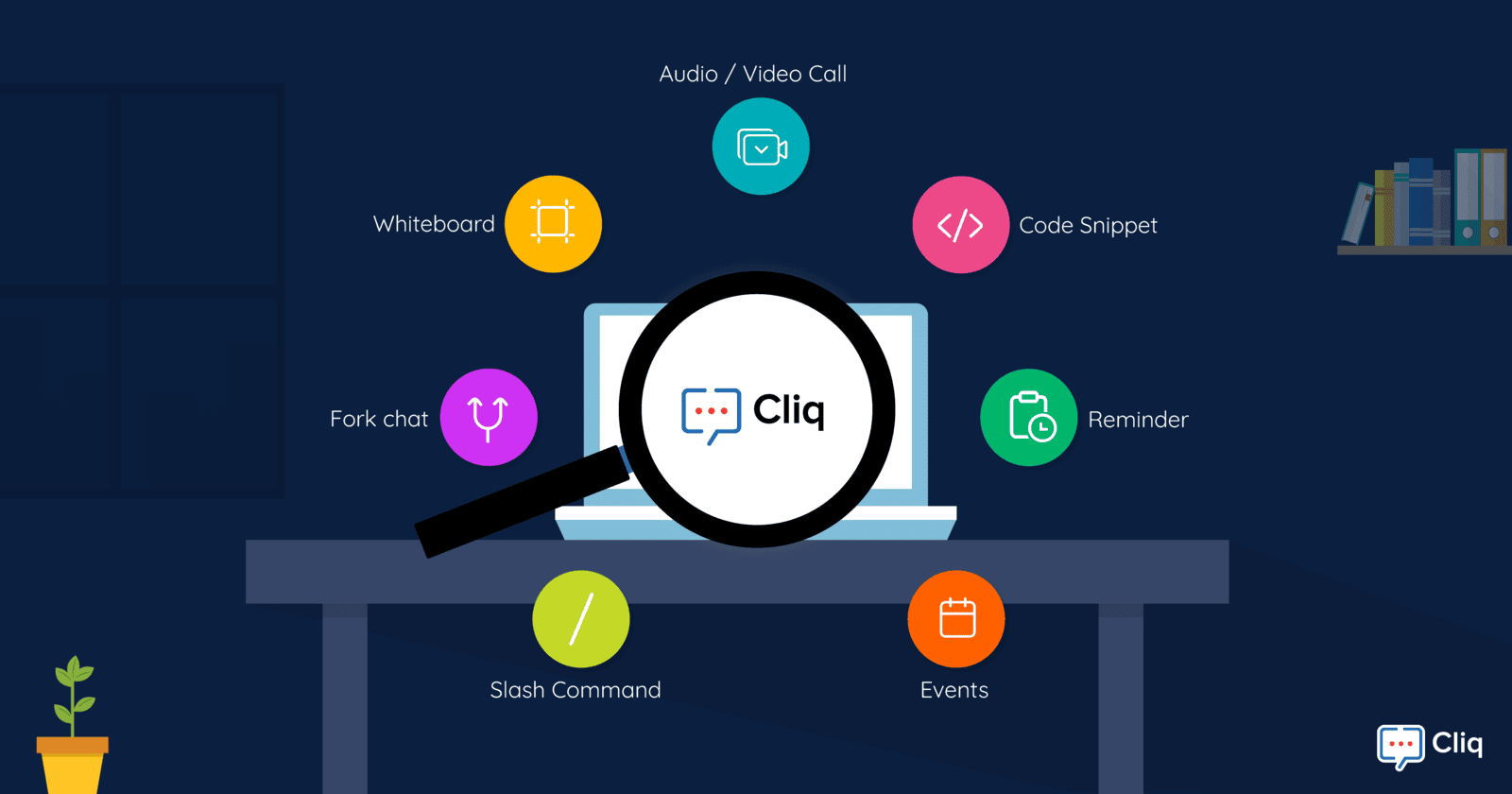
A quick Zoho Cliq tip: how to change your default emoji reactions so the ones your team actually uses are one tap away. Yes, this is important.
05.09.25 05:10 PM
Read more
Zoho CRM Audit Log and Timeline: How to Troubleshoot
By
Jozette Spandel
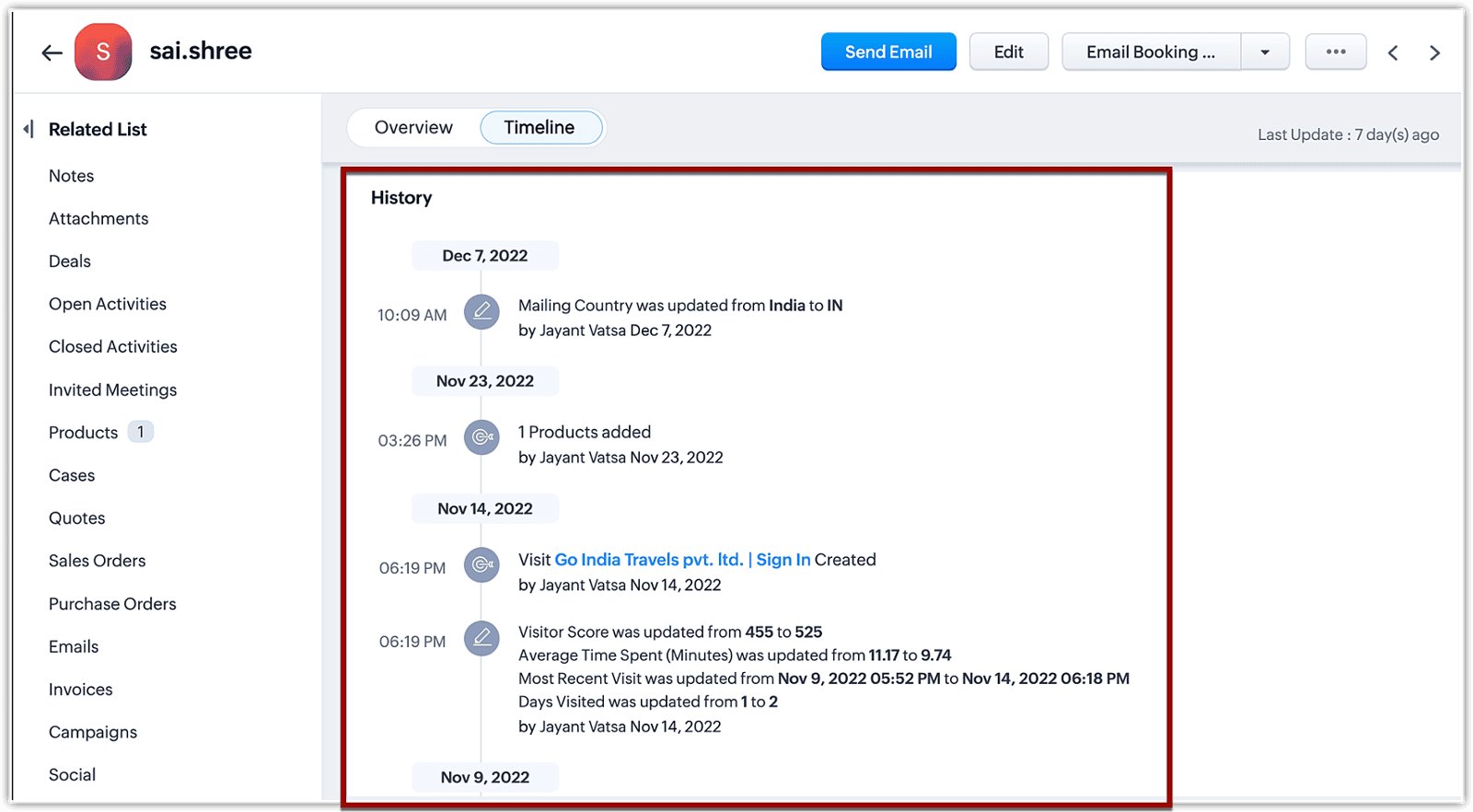
Use the Zoho CRM record timeline and the audit log to see who changed what and when, so you can track down data issues and fix problems faster.
05.09.25 04:52 PM
Read more
Underused Zoho One Apps You Should Be Using
By
Jozette Spandel
Zoho One includes 45+ apps. Hidden gems like Zoho Sign, Bookings, Forms, and Survey, what each one does, and whether they fit your business.
05.09.25 04:45 PM
Read more
Zoho CRM Dependency Fields: Simplify Data Entry
By
Jozette Spandel
How to set up dependent picklist fields in Zoho CRM, with real examples, so users only see relevant options and your CRM data stays clean.
05.09.25 12:33 PM
Read more
4 Zoho Projects Fields That Keep Projects Organized
By
Jozette Spandel
The four Zoho Projects fields we use on every project, Owner, Tags, Status, and Assigned Date, and how to set them up to match how your business works.
05.09.25 12:17 PM
Read more
How to Use Zoho Cliq Channels for Team and Client Chat
By
Jozette Spandel
How we organize Zoho Cliq with a channel per project, internal team chats, and external channels with clients, and why it keeps communication clear.
05.09.25 12:05 PM
Read more
Zoho CRM Customization: Set Up the Business Card View
By
Jozette Spandel
The Business Card view is a small Zoho CRM customization with a big impact. What it is, how to customize it, and how it helps your team use the CRM.
05.08.25 01:31 PM
Read more
5 Underused Zoho CRM Field Types You Should Be Using
By
Jozette Spandel
Five Zoho CRM field types most teams don't know about, what each one does, and how to use them to capture better data in your CRM starting today.
05.08.25 01:12 PM
Read more
Zoho Sites SEO: Add a Sitemap to Get Found on Google
By
Jameson Allen
Generate a sitemap with Screaming Frog, upload it to Zoho Sites, and submit it to Google Search Console so Google can find and understand your pages.
04.25.25 08:00 AM
Read more
Zoho CRM Validation Rules and Layout Rules for Clean Data
By
Jozette Spandel
Use Zoho CRM layout rules and validation rules to stop bad data at entry, keep reports accurate, and make your CRM a reliable system of record.
04.24.25 08:00 AM
Read more
Previous
Next
Categories
Business Strategy
(11)
Implementation & Support
(41)
Choosing Zoho
(174)
How-To Guides
(133)
AI & Automation
(98)
Industry Solutions
(27)
Tags
Zoho CRM
Other Platforms
Marketing & Lead Capture
Email & Collaboration
Projects
Zoho One & Bundles
HR
Security & IT
Customer Service
Documents & E-Signature
Finance & Inventory
Low-Code & Analytics
Bigin
Field Service
Zoho MCP